


The website builder you pick determines how your site looks, performs in Google and grows with your business.
We compared 16 website builders and website creators available to Australian small businesses, from household names like Wix and Squarespace through to lesser-known platforms worth considering. Here is what stood out across ease of use, design quality, SEO capability and value for money.
What to Look for in a Website Builder
Not every website builder suits every business. Before committing to a platform, weigh up these factors:
- Ease of use: Can you build and update pages without writing code or reading documentation?
- Design flexibility: Will your site look like yours, or identical to thousands of others using the same template?
- SEO tools: Can you set page titles, meta descriptions, image alt text and generate a sitemap for Google? Builders with weak SEO fundamentals limit how well your site can rank from day one.
- True cost: What do you actually pay per month once hosting, a domain and essential add-ons are included?
- Scalability: Will the platform still work when your business outgrows the starter plan?
- Support: When something breaks on a Friday evening, can you reach someone who can actually fix it?
- Data portability: If you want to leave, can you take your content with you? Some platforms make migration straightforward; others lock your design and data into a format only they can read.
The Best Website Builders for Australian Small Businesses
Wix

Best for: beginners who want creative control.
Wix pairs a drag-and-drop editor with hundreds of templates, making it one of the most approachable options for Australian small businesses getting started online. The app market adds booking systems, forms and email campaigns, and a built-in AI site generator creates a starting point from a few prompts.
Free plans carry Wix branding and lack a custom domain. Paid plans include hosting and solid web design tools out of the box. The main limitation is that once you choose a template, you cannot switch to another without starting over, so take time picking the right one upfront.
Squarespace

Best for: creatives and design-focused businesses.
Squarespace produces some of the most polished templates on any platform. It suits photographers, restaurants, artists and anyone who values visual presentation above all else.
Built-in email campaigns, scheduling and analytics round out the feature set. Customisation is more constrained than Wix, but the trade-off is that it is genuinely harder to make a Squarespace site look amateur. If you want a Squarespace alternative with more flexibility, Wix and Webflow are the closest options depending on whether ease of use or design control matters more.
Shopify

Best for: businesses selling physical or digital products.
Shopify handles payments, shipping, inventory and tax calculations out of the box. Its app ecosystem and theme store extend functionality for larger operations.
If selling products is your primary goal, Shopify is the strongest dedicated option on this list. For a standard business website without a shopfront, other builders are a better fit.
IONOS

Best for: budget-conscious businesses wanting everything in one place.
IONOS (formerly 1&1) bundles hosting, domain registration and a website builder into one plan at competitive pricing. The editor is simple and gets a basic site live quickly, though the template range is smaller than Wix or Squarespace. Uptime and reliability are strong suits, which matters more than template variety for many small businesses.
Weebly

Best for: simple sites on a tight budget (but check its status first).
Weebly’s drag-and-drop editor makes basic site creation quick and painless. However, Square acquired Weebly in 2018 and has been migrating users to Square Online.
Check whether Weebly is still accepting new sign-ups before committing, as the platform’s long-term future is tied to Square’s product decisions. Existing Weebly sites continue to work, but ongoing development has slowed. If you are looking for a Wix alternative that is just as beginner-friendly, Hostinger Website Builder or Jimdo are worth considering instead.
Webflow
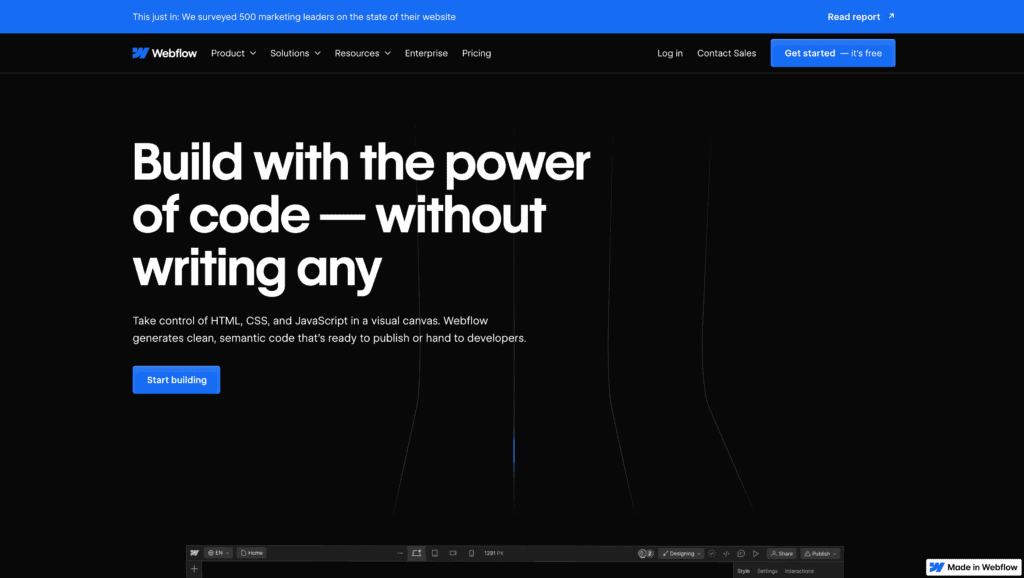
Best for: designers who want code-level control without writing code.
Webflow gives you granular control over layout, animations and interactions that template-based builders cannot match. The learning curve is steep, so it is not ideal for beginners. For businesses that want professional-quality design at a competitive price point, Webflow bridges the gap between drag-and-drop builders and full custom development.
Framer

Best for: interactive and animation-heavy websites.
Framer evolved from a prototyping tool into a full website builder. It excels at motion design, micro-interactions and high-fidelity layouts that standard builders cannot produce. If your brand relies on visual storytelling, Framer is worth evaluating.
For standard business sites, it is likely overkill. If the complexity feels daunting, working with a web design agency that already uses these tools is often the faster path to results.
Jimdo

Best for: getting online fast with minimal effort.
Jimdo’s AI builder (Dolphin) asks a handful of questions and generates a working site in minutes. It suits small business owners and freelancers who want a presentable online presence without learning a new platform.
Customisation is more limited than Wix, but speed is the clear trade-off. Jimdo handles the basics of web design and development behind the scenes so you can focus on your content.
Duda

Best for: agencies building sites for multiple clients.
Duda is designed for web professionals who build and manage sites on behalf of clients. White-label tools, team collaboration and client billing integration set it apart from builders aimed at solo users. The design output is strong and the editor is fast. For a single business owner building one site, Duda’s feature set is more than most people need.
WordPress
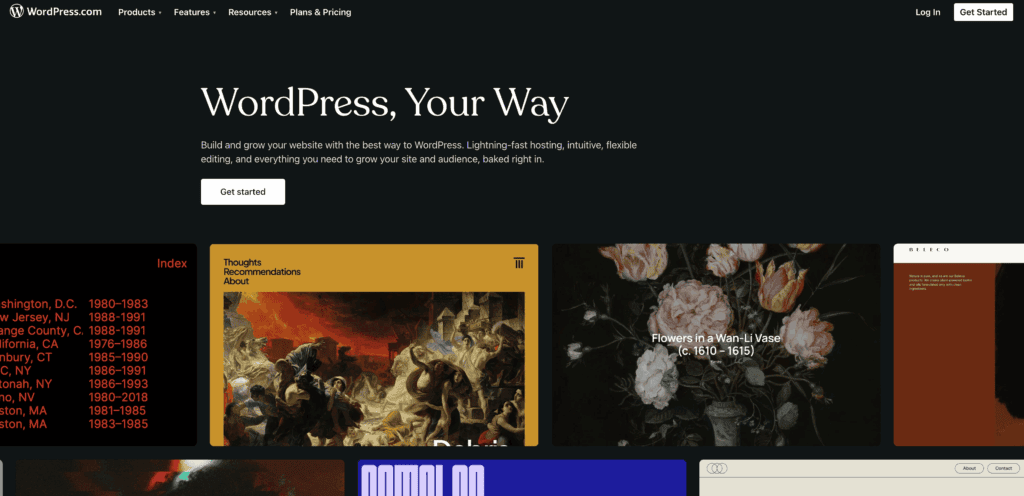
Best for: long-term flexibility and full control.
WordPress.org powers over 40% of the web and remains the most flexible website builder available. Thousands of plugins let you add virtually any feature, from booking systems to membership areas.
The trade-off is that you need separate hosting, regular updates and security management. For businesses that want WordPress without the technical overhead, partnering with a developer or agency who handles ongoing website management is the usual approach. WordPress also gives you full ownership of your content and database, which makes it the easiest platform to migrate away from if you ever need to.
Zyro (Now Part of Hostinger)

Zyro was a budget-friendly builder with AI-powered content and design tools. Hostinger acquired Zyro in 2023 and merged its features into the Hostinger Website Builder. If Zyro is what brought you here, see the Hostinger section below.
Friday Website Builder

Best for: straightforward shops and portfolios.
Friday Website Builder targets users who want a professional-looking site without overthinking the process. The interface is clean and setup is quick for online shops, portfolios and blogs. Template variety is smaller than the major platforms, but the learning resources are solid and the price-to-feature ratio is fair for smaller projects.
Hostinger Website Builder
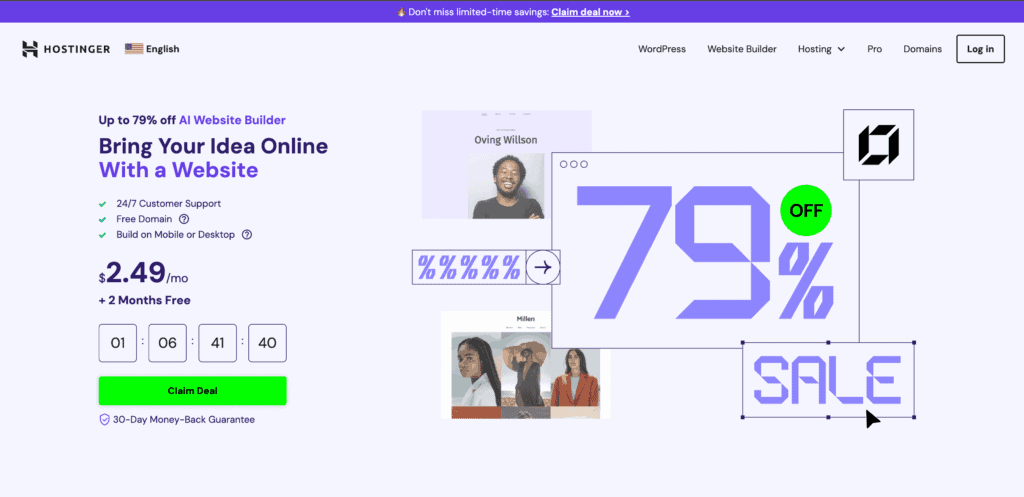
Best for: the tightest budgets.
Hostinger Website Builder is one of the most affordable options available, bundling hosting, a domain and an AI-powered editor into competitively priced plans. It now includes features from the former Zyro platform, which Hostinger acquired in 2023. The drag-and-drop editor is beginner-friendly, though it lacks the depth of Wix or Squarespace for more involved sites.
Bluehost Website Builder
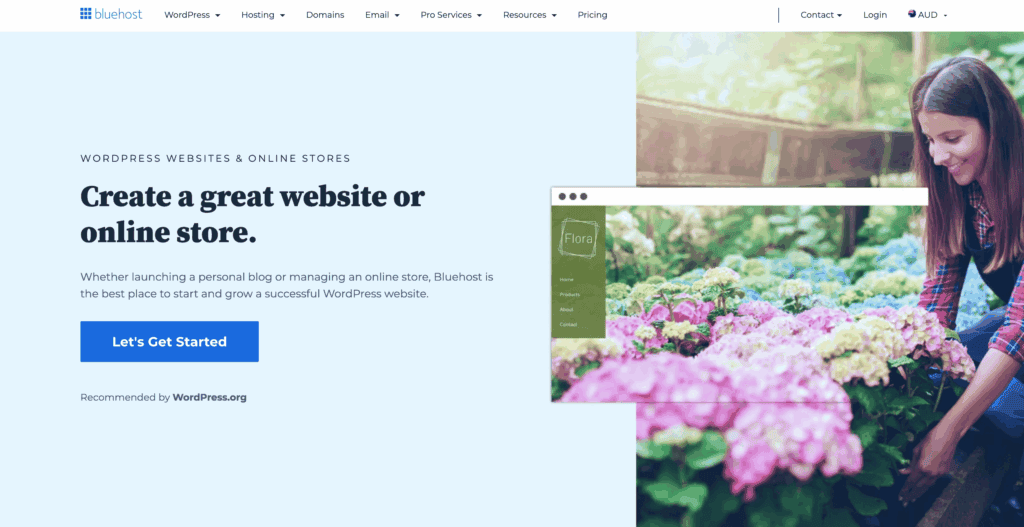
Best for: WordPress with a simpler starting experience.
Bluehost is primarily a hosting provider, and its website builder adds a drag-and-drop layer on top of WordPress. This gives you WordPress’s plugin ecosystem with a guided initial setup. Plans include a free domain for the first year and one-click WordPress installation. It suits users who want WordPress without configuring hosting and security from scratch.
DreamHost Website Builder
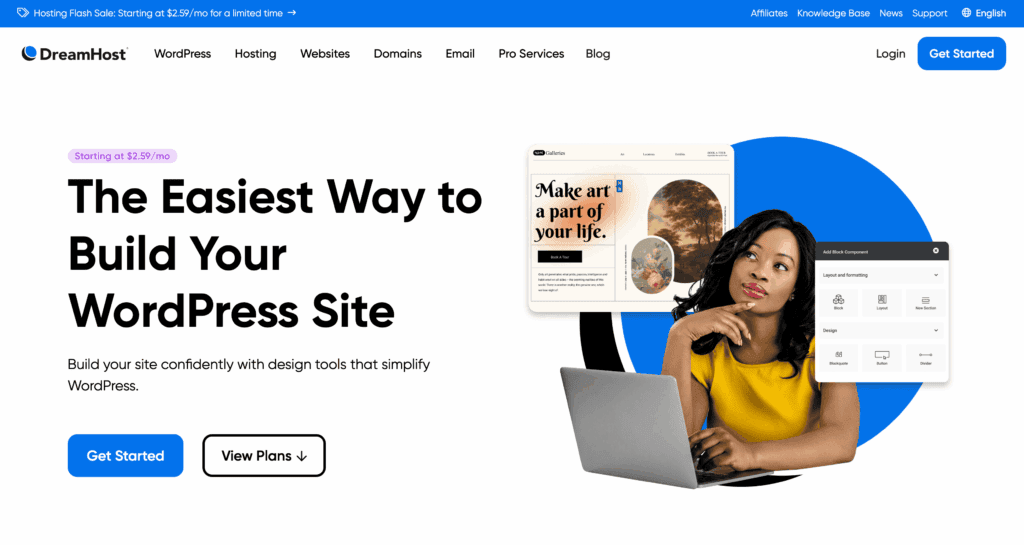
Best for: existing DreamHost hosting customers.
DreamHost’s builder (formerly known as Remixer) is a basic tool bundled with DreamHost hosting plans. It works for putting together a simple site if you already use DreamHost, but it lacks the polish and feature depth of dedicated builders like Wix or Squarespace. If you are not already a DreamHost customer, there is little reason to choose it over the other options on this list.
GoDaddy Websites + Marketing
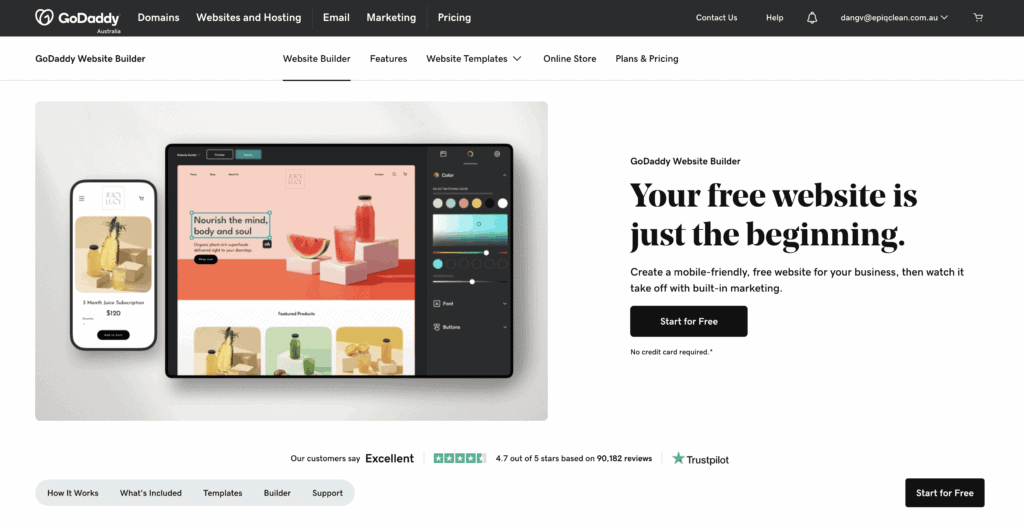
Best for: getting a domain, hosting and basic marketing in one place.
GoDaddy bundles domain registration, hosting, a website builder and basic marketing tools into a single subscription. The builder is beginner-friendly and includes email marketing, social media posting and appointment booking. Customisation is limited compared to Wix or WordPress, but for small businesses that want everything under one roof without comparing providers, it is a practical starting point.
What Australian Businesses Should Consider When Choosing a Website Builder
Most website builder comparison articles are written for a US audience. If you are looking to build your own website in Australia, a few things matter that those reviews rarely mention:
- Server location: A builder that hosts your site in the US or Europe adds latency for Australian visitors. Google factors page speed into rankings, so added latency from an overseas server works against you. Platforms that let you choose an Australian or Asia-Pacific data centre (WordPress with local hosting, Hostinger, some Wix plans) have an edge here.
- Support timezone: When something breaks at 10am AEST, you do not want to wait until a US support team wakes up.
- AUD billing: Some platforms bill in USD, so your monthly cost moves with the exchange rate. Check whether AUD billing is available before you commit.
- Local compliance: Australian businesses need to comply with the Privacy Act and consumer guarantee laws. Make sure your builder supports an Australian privacy policy, cookie notices where required, and does not force you into terms that conflict with local regulations.
Should You Use a DIY Website Builder or Hire a Professional?
DIY website builders work well for personal projects, side ventures and simple brochure sites where budget matters more than performance. You can get a presentable site online in a weekend without any technical background.
The gap shows up when the site needs to actually bring in business. A DIY builder handles layout and hosting, but it will not research what your customers are searching for, structure pages around those searches, or set up conversion tracking so you know what is working. Those are the things that separate a site that sits there from one that generates enquiries every week.
If your website needs to rank in Google and turn visitors into paying customers, that is where working with a professional web designer pulls ahead. You get pages built around what people actually search for, proper conversion tracking from day one, and someone who fixes problems before they cost you leads. To understand how much a professionally built website costs in Australia, compare what you get at each level rather than looking at the monthly fee alone.
Frequently Asked Questions
What is the best free website builder in Australia?
Wix and Weebly both offer free plans, but they come with platform branding, limited storage and no custom domain. WordPress.org is free to install, though you pay separately for hosting. For any business that relies on its website, a paid plan is worth the investment.
What is the best DIY website builder for Australian small businesses?
Wix is the most flexible starting point for beginners. Squarespace suits design-focused businesses. WordPress gives you the most long-term control. If budget is the priority, Hostinger Website Builder bundles hosting and a domain at the lowest entry point. Keep in mind that no builder handles your SEO or conversion strategy for you, and that is where most DIY sites fall short.
Do I need to know how to code to build a website?
No. Every builder on this list uses a visual editor. Webflow and WordPress offer more control for people comfortable with code, but neither requires it to get started.
Which website builder is best for SEO?
WordPress offers the most SEO control through plugins like Rank Math and Yoast. Wix, Squarespace and Webflow all include solid built-in SEO tools. The builder you choose matters less than actually using its SEO features: writing proper page titles, adding alt text to images, keeping URLs clean and publishing genuinely useful content.
Can I switch from one website builder to another?
Switching usually means rebuilding from scratch, since each platform uses its own proprietary system. WordPress sites are more portable because content sits in a standard database. Choose for the long term, because migrating costs real time and money.
Is Wix better than Squarespace?
They suit different priorities. Wix gives you more creative freedom and a bigger app ecosystem. Squarespace delivers more polished, design-forward templates with less room for error.
Both handle SEO, blogging and online selling well. Try both free trials before deciding.
Are there hidden costs with website builders?
Often. Premium templates, third-party apps, email marketing add-ons, transaction fees and removing platform branding can all push the price well above the advertised base rate. Before choosing a plan, list what you actually need and check whether it is included or costs extra.
Is there a good alternative to Wix in Australia?
Squarespace is the closest match for design quality. Hostinger Website Builder offers a similar drag-and-drop experience at a lower price point. WordPress gives you far more flexibility but requires more setup. The right alternative depends on whether you are leaving Wix for cost reasons, design limitations or SEO control.
Can I build my own website without a website builder?
You can hand-code a site with HTML, CSS and JavaScript, but for most small businesses it is not practical. Website builders and content management systems like WordPress exist specifically to handle the technical side so you can focus on your content and customers. Most small business owners find the hours spent learning to code are better spent running their business.
Final Thoughts
Every builder on this list can produce a working website. The real question is what you need that website to do. For a quick online presence, Wix or Squarespace will get you there. For full control and long-term flexibility, WordPress is hard to beat.
If you are not sure which direction fits your business, get in touch for a straightforward recommendation based on your goals and budget.






